The Two Routes You Need
Route 1: Initialize — creates the payment session and returns a redirect URL
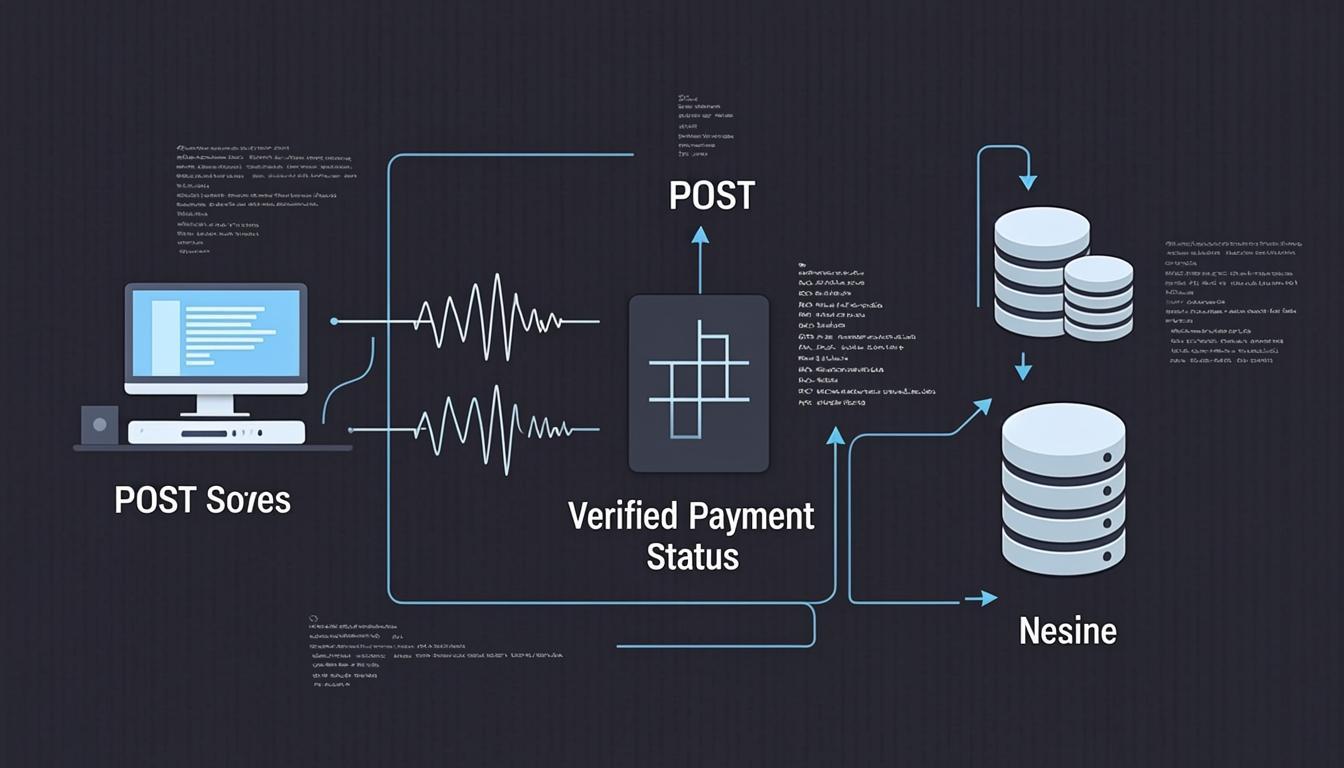
Route 2: Verify — called after payment, confirms success and updates your DB
That's it. Everything else is UI.
Initialize Route
// app/api/payments/initialize/route.js
export async function POST(req) {
  const { email, plan, userId } = await req.json()

  const PLANS = {
    starter:  { amount: 500000, label: 'Starter' },   // ₦5,000 in kobo
    pro:      { amount: 2000000, label: 'Pro' },        // ₦20,000 in kobo
  }

  const reference = `kv_${userId}_${Date.now()}`

  const res = await fetch('https://api.paystack.co/transaction/initialize', {
    method: 'POST',
    headers: {
      Authorization: `Bearer ${process.env.PAYSTACK_SECRET_KEY}`,
      'Content-Type': 'application/json',
    },
    body: JSON.stringify({
      email,
      amount: PLANS[plan].amount,
      reference,
      metadata: { userId, plan },
      callback_url: `${process.env.NEXT_PUBLIC_SITE_URL}/payments/verify`,
    }),
  })

  const data = await res.json()
  return Response.json({ url: data.data.authorization_url, reference })
}
Verify Route
// app/api/payments/verify/route.js
import { supabaseAdmin } from '@/lib/supabase'

export async function POST(req) {
  const { reference } = await req.json()

  const res = await fetch(
    `https://api.paystack.co/transaction/verify/${reference}`,
    { headers: { Authorization: `Bearer ${process.env.PAYSTACK_SECRET_KEY}` } }
  )
  const data = await res.json()

  if (data.data.status !== 'success') {
    return Response.json({ error: 'Payment not successful' }, { status: 400 })
  }

  const { userId, plan } = data.data.metadata

  // Update user plan in your database
  await supabaseAdmin
    .from('profiles')
    .update({ plan, updated_at: new Date().toISOString() })
    .eq('id', userId)

  return Response.json({ success: true, plan })
}
The Webhook (For Reliability)
Don't rely only on the callback URL. Payment callbacks can fail if the user closes the browser. Use Paystack webhooks to guarantee your database always gets updated.
Set webhook URL in Paystack dashboard: https://yourapp.com/api/payments/webhook